
In this article
Nothing for the school’s IT team to open
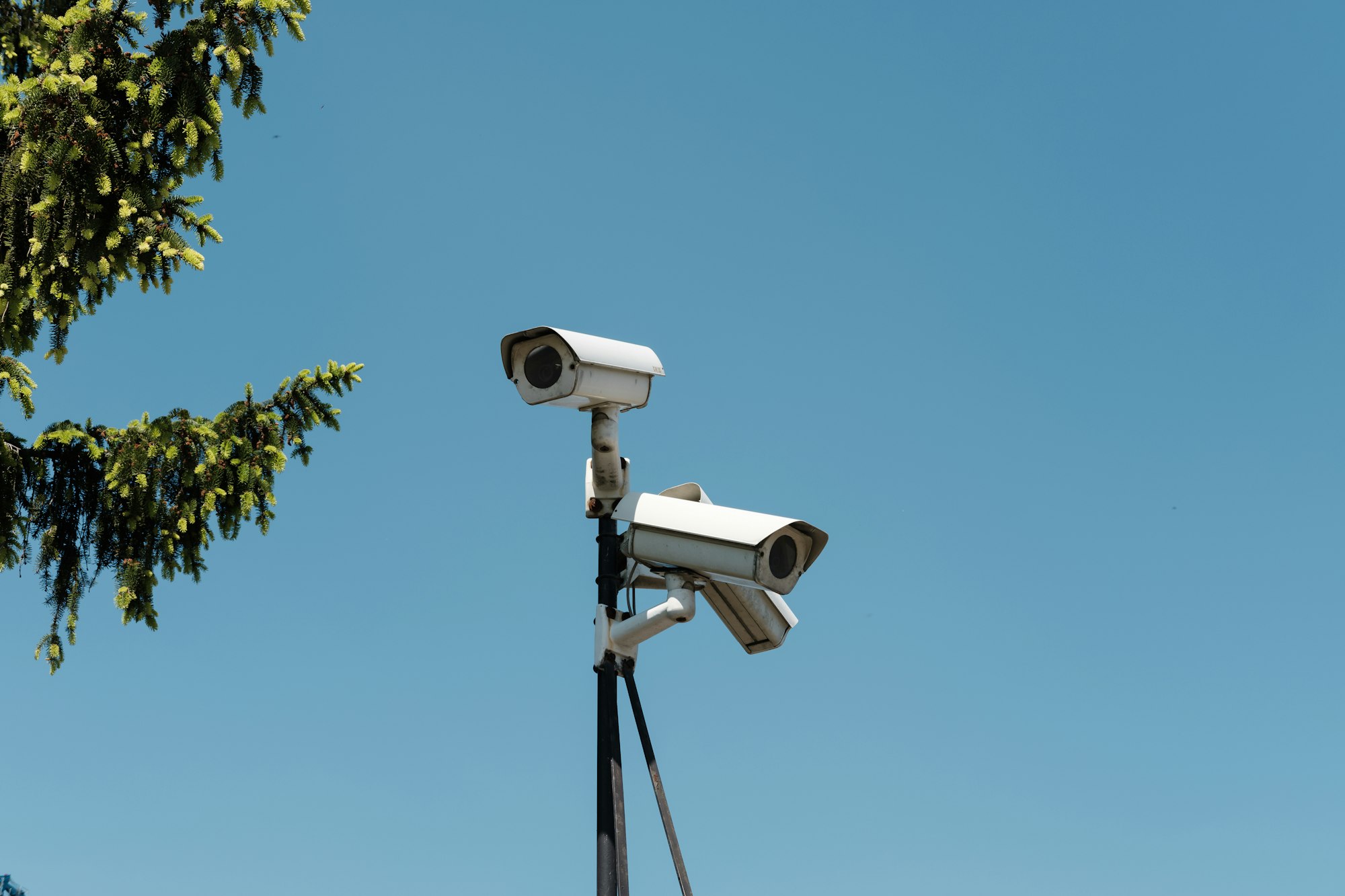
#A district connecting entry cameras needs to understand the network change. A Veramast Watchpost initiates its own outbound connections and does not accept inbound sessions. IT does not need to forward a port to it for its records to reach the campus platform.
The page of network requirements that Veramast hands over is short, because it describes only traffic the camera starts. There is nothing to forward, nothing to expose, and no remote-access account to create for the camera.
IT can review the documented outbound requirements with Veramast before installation. A change to the school’s network can still affect connectivity; the Cameras page reports whether the camera is reporting rather than treating an absent connection as a healthy one.
Nothing on the pole waits for a stranger
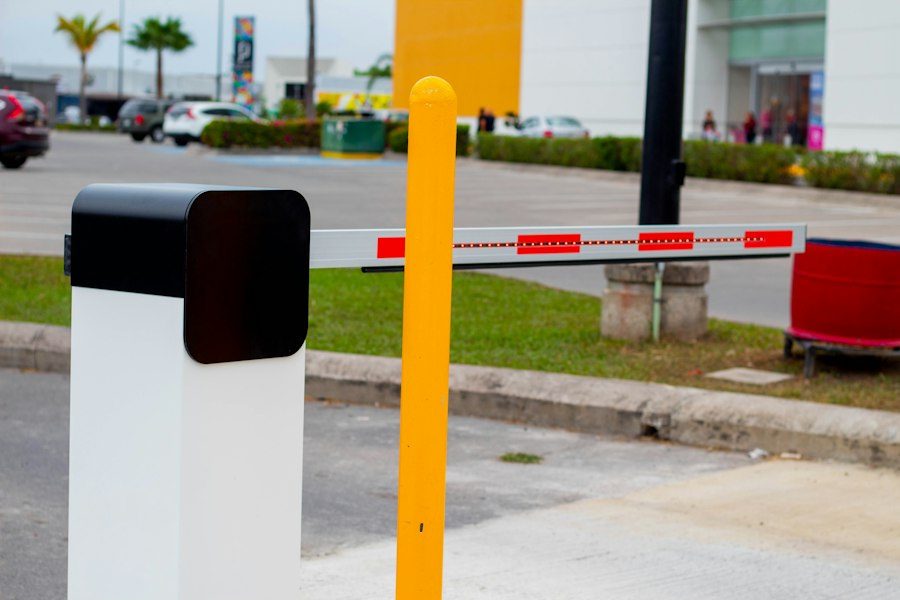
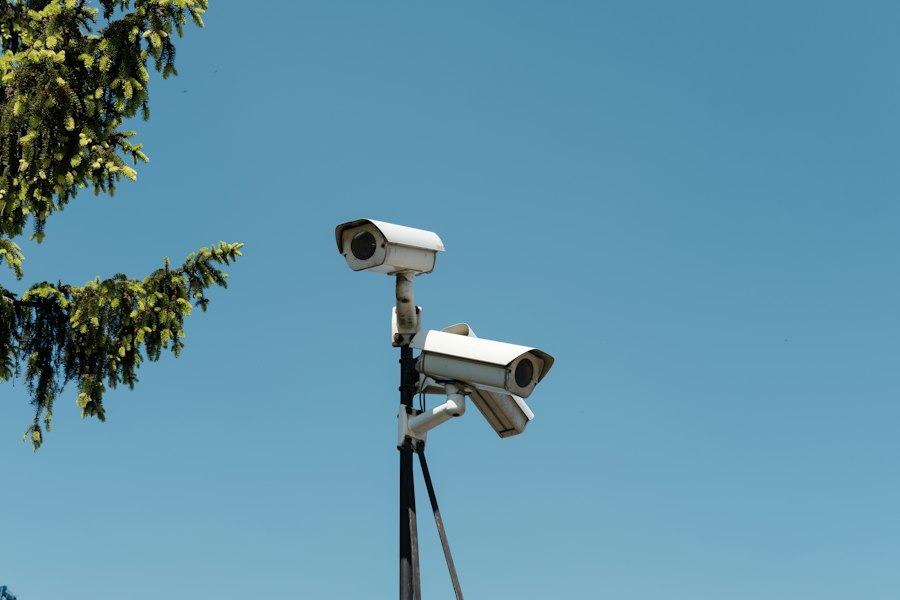
#A camera bolted to a driveway entry point is within reach of anyone who walks past it, in a way a server in a locked room never is. A person in the lot with a laptop can try their luck. Once a Watchpost is installed, that person finds nothing to try: the camera does not listen for connections from the parking lot, from the school’s network, or from the internet.
Every record the camera makes leaves on the camera’s own initiative, and so do its reports on how it is doing. Nothing about the camera depends on a hole in the school’s firewall staying open.
What the school notices
#On the Cameras page the school sees each camera as Online or Offline, with its battery and signal beside it. Nobody at the school has to sign in to a camera, and there is nothing on the pole for them to operate. Veramast’s own team installs and services every Watchpost, so the school is never asked to climb a ladder or plug anything in. A camera that stops calling in shows as Offline, and Veramast is designed to notice that before the school does.
A security officer who wants to look at an entry point asks for a live view from the school’s own page. The request takes a reason and a second factor, it is written to the audit history, and the view is not recorded. While it runs, the video itself shows who asked and how much time remains.
If someone opens the camera anyway
#If the back of a camera is opened at 8:02 in the morning by someone Veramast did not send, the assistant principal reads an alert that names the camera and the time. What to do next is the school’s call: walk out to the driveway, or ask Veramast’s team for a visit with Report a problem on the camera’s row.
A person holding that camera has nothing readable, because what the camera keeps was sealed before it was storedUse arrow keys to scroll this preview.Protect the observation before it becomes evidenceA Veramast Watchpost seals plate records before storage or upload. Authorized access and evidence exports leave a recorded history.. And there is no connection to attempt against the pole, because nothing on it accepts one.
See it for your own school
A 30-minute call, with fictional data in every screen we show you. Expect a reply within 2 business days.
Request a demo