
In this article
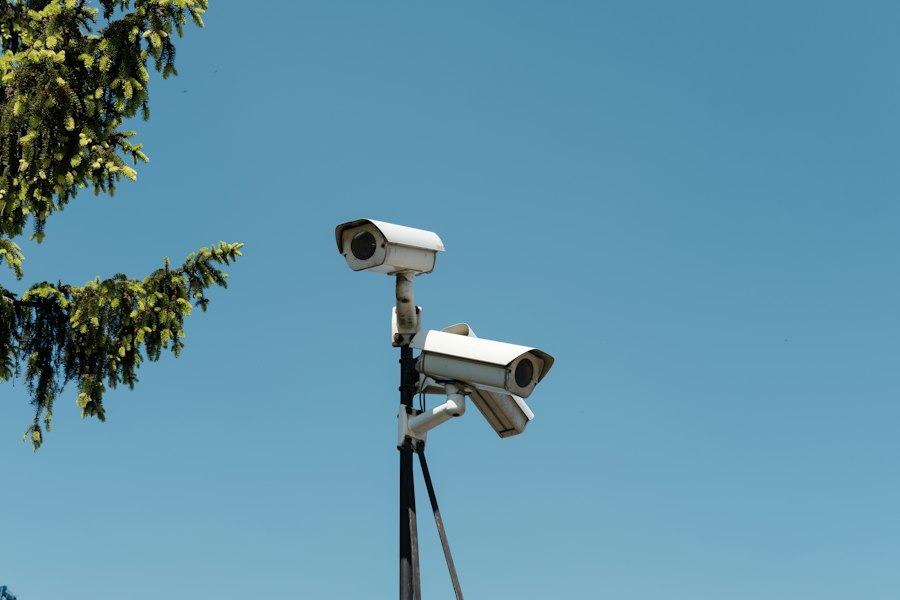
An arrival record is only useful when the school knows whether its cameras are reporting. Veramast puts camera health beside the entry records and alerts the campus uses. Staff can see which Veramast Watchpost last read a plate, its current state, and the instruments behind that state.
Installed and serviced by our own people
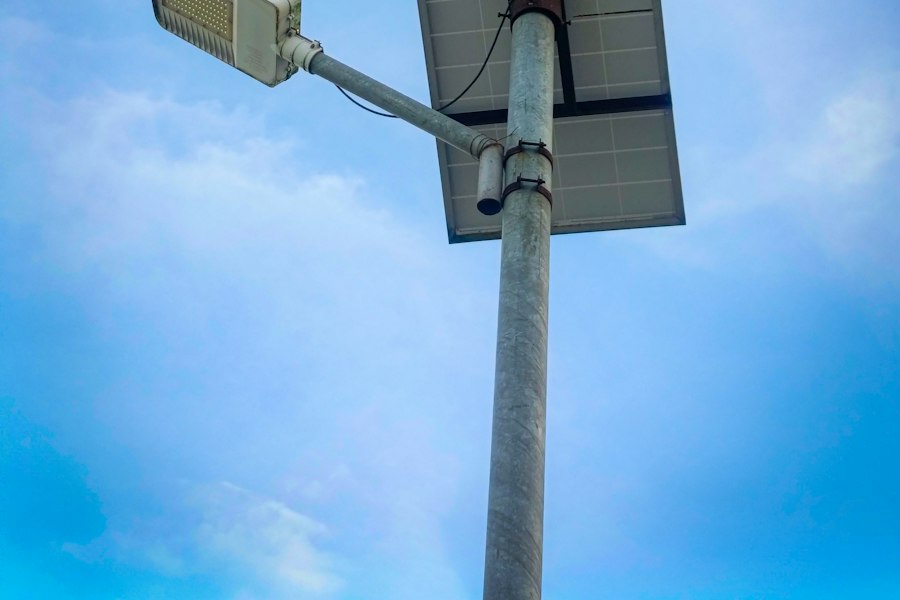
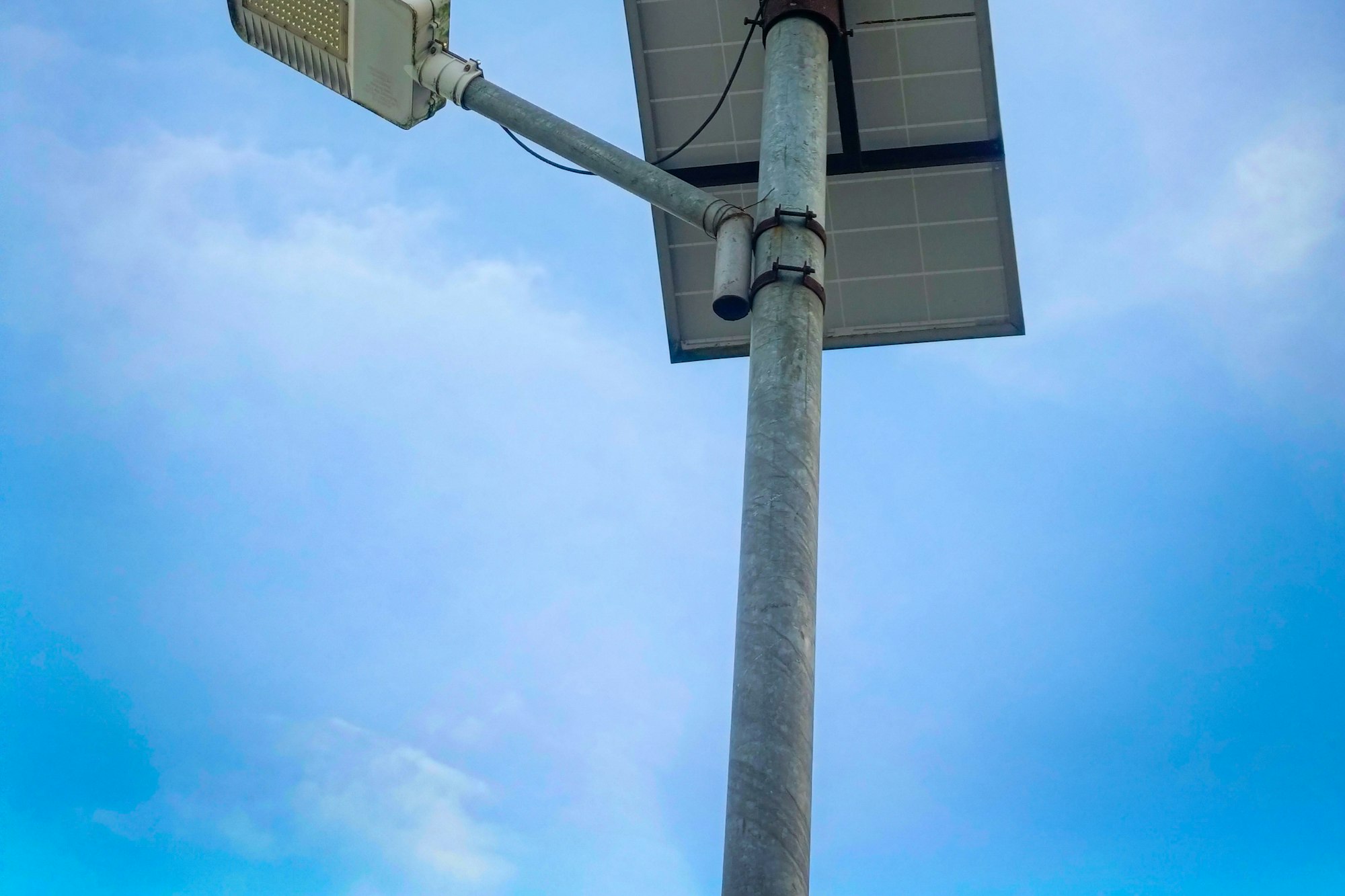
#Veramast’s own team builds, installs, and services every Watchpost. The camera is solar. The power, the connection, the monitoring, repairs, replacement, and software updates are all part of the service, so the school has nothing to buy, wire, or schedule for the pole.
The school’s IT team has no inbound door to open for it either, because the camera reaches out to Veramast on its ownUse arrow keys to scroll this preview.Connect entry cameras without an inbound network portA Veramast Watchpost initiates its own connections. Schools do not expose an inbound camera port to connect entry records to Veramast..
What the school sees
#On the Cameras page, each Watchpost has a row: its entry point and direction, Online or Offline, its battery with a plain word for how it is doing, its signal, and when it last read a plate. Open the row and the most recent plate photo is there with the time it was taken. The photo is a crop of the plate itself, and opening it at full size leaves an entry with the viewer’s name, like every other look at a record. Each row is a short list of facts, so every camera on campus fits on one screen and can be read at a glance.
A Health tab charts the battery and the signal over the last seven days, so a slow change in either reads as a line on a chart and not as a surprise on a Monday.
Veramast watches the same instruments and is designed to notice before the school does. A camera that needs attention opens a job on our side, and the school sees only the result: Servicing scheduled, on the camera’s row. Someone at the school who notices something first can use Report a problem on the row, which takes a note and reaches Veramast.
On the Overview page
#Nothing about a healthy camera asks for attention, so it does not appear on Overview. A camera that is Offline does, under Needs attention, next to any unacknowledged alerts and the count of requests waiting in the registration queue. The facilities manager and the front office read the same short list, and neither has to open the Cameras page to find out whether a Watchpost needs a person.
What the school does
#Nothing on the pole. Nobody at the school opens the camera or replaces a part, and a planned visit shows up as Servicing scheduled. A Watchpost that is opened unexpectedly shows on Overview as needing attention, with the time, so nobody has to wonder whether it was touched.
The Cameras page answers whether each camera is reporting. The Health tab provides its recent battery and signal history. Staff can report a problem from the record, while Veramast’s team handles the work on the camera.
See it for your own school
A 30-minute call, with fictional data in every screen we show you. Expect a reply within 2 business days.
Request a demo